Semakin.cz – Joomla and VirtueMart e-shops SemaPos demo Čeština

SemaPos for VirtueMart · demo

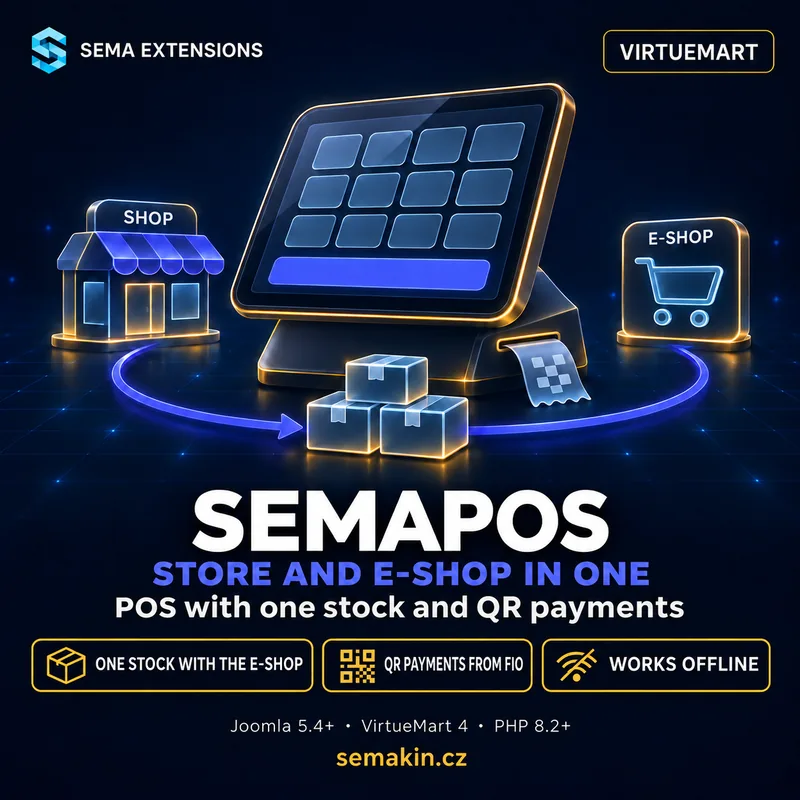
Brick-and-mortar shop and e‑shop in one

One administration for both ways of selling, one up-to-date stock.

  • The till runs in the browser on a PC, tablet or phone
  • One stock with the e-shop, order pickup and returns in the shop
  • Cash, QR payments matched from Fio, gift vouchers or bank transfer with an invoice
  • Works offline: cash sales sync once the connection is back
  • Receipt printing over USB or to an Epson network printer
  • Shop and e-shop documents in one file for Pohoda
  • EAN barcode labels, even for goods without a code
  • Separate access and permissions for staff: clerk, manager, owner, accountant, e-shop admin
  • Custom changes, data import and launch with our assistance
Details on semakin.cz →

SemaPos – store and e-shop in one

Try it yourself

A sample e-shop with a till on test data. Sign up or log in on semakin.cz to enter.

The data are made up. You cannot change anything in the administration; in the till you can sell – receipts go to the EET test environment and the data are reset every night. Orders in the e-shop cannot be completed.

Frequently asked questions

What is SemaPos?

A point-of-sale system for a brick-and-mortar shop connected to a VirtueMart e-shop on Joomla. The shop and the e-shop share stock, customers and administration.

What can I try in the demo?

A sample e-shop, the administration with receipts, invoices, stock and statistics, and the till in the browser where you can actually sell.

Is the demo free and how do I get in?

Yes, the demo is free. Just register or sign in at semakin.cz – the same account works for the demo and for semakin.cz and does not expire.

What happens to the data I create in the demo?

The data are fictional, receipts go to the EET test environment and every night everything returns to its original state.

What does SemaPos run on?

Joomla 5.4 and VirtueMart 4 with PHP 8.2 or newer. The till is a web app (PWA) for a PC, tablet or phone with no installation, cash sales work even offline.

What equipment does a shop need?

No special POS hardware. At the counter a PC with Chrome or Edge, a USB barcode reader in keyboard mode and a receipt printer over USB or an Epson network printer. A small shop can use just a phone or tablet: the camera reads codes and it prints to an Epson network printer, or gives an e-receipt. A phone can also act as a wireless reader for the PC and for stocktaking.